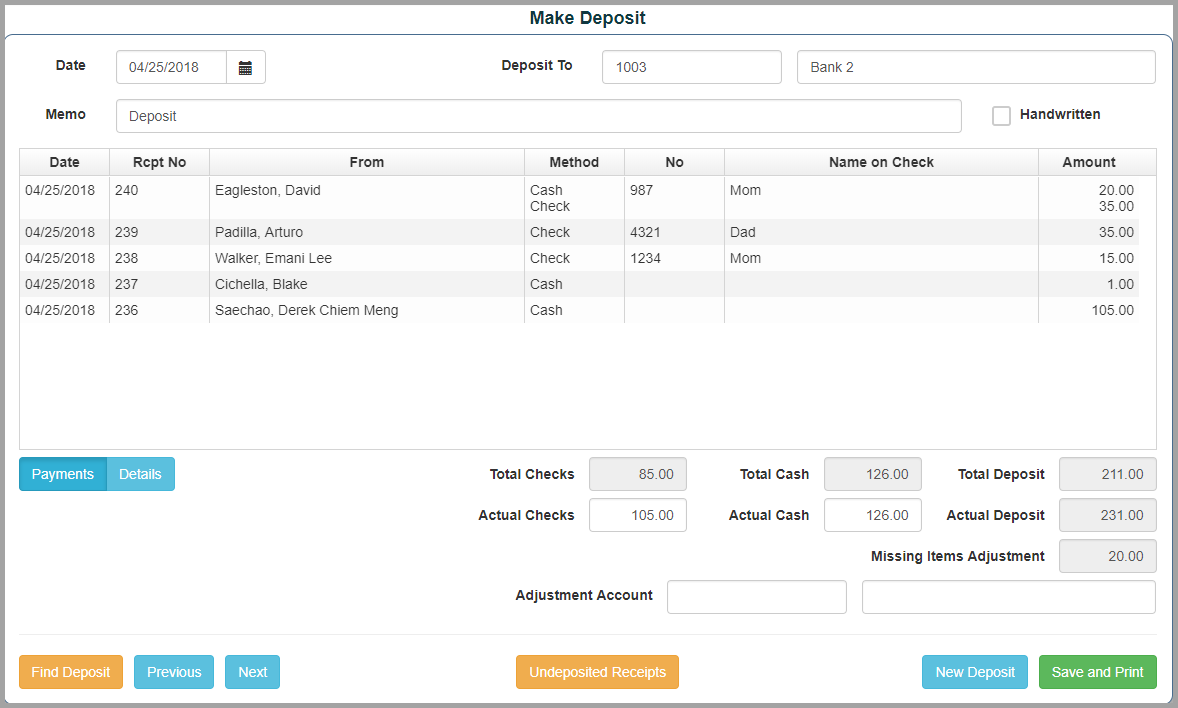
From the Receipts tab Select "Make Deposit"
- Select the receipts to be deposited by checking the boxes on the left
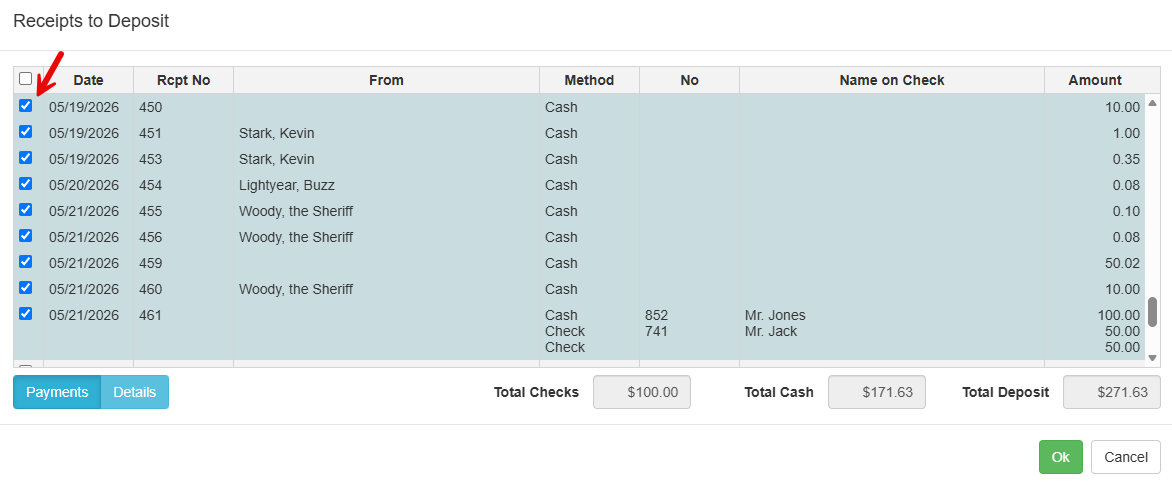
- Click "Ok" when ready to continue
- Add the checking account where the receipts will be deposited to in the "Deposit To" field
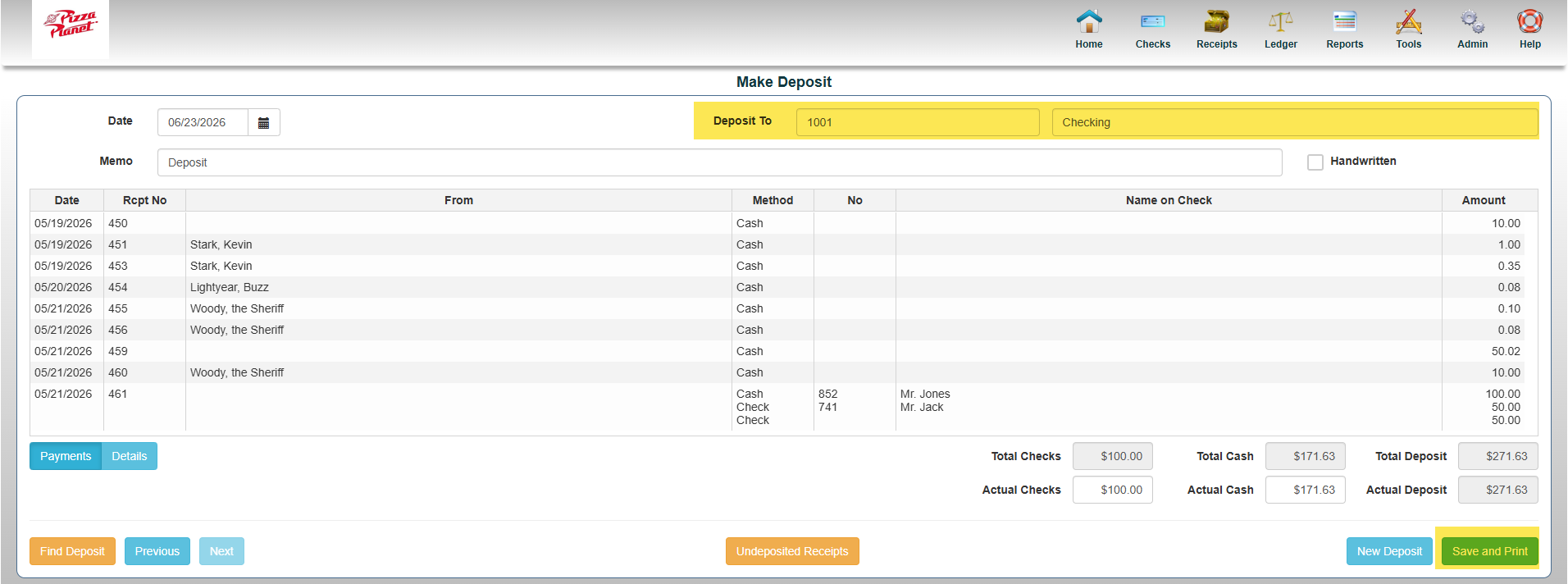 *Note: For any deposits that need to be backdated you may do so at this point in the "Date" field
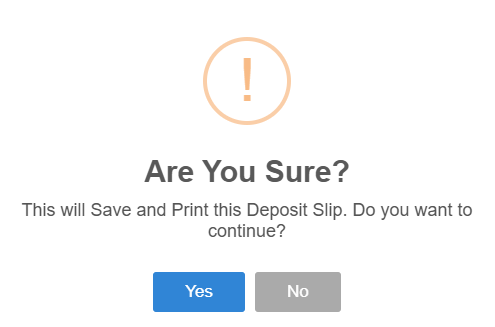
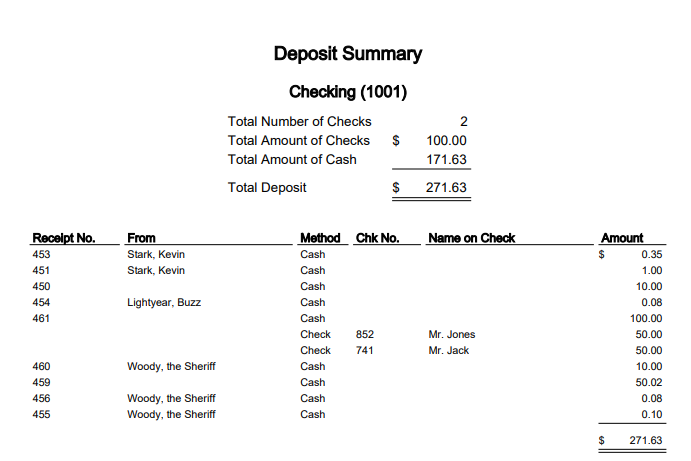
 - Click Save and Print
Deposit Amount Does Not Match Receipt Total
- Complete steps 1-3
- In the "Actual Checks & Actual Cash" fields enter the correct totals
- Select a GL account as the "Adjustment Account" to apply the shortage/overage to that account
- Click Save and Print