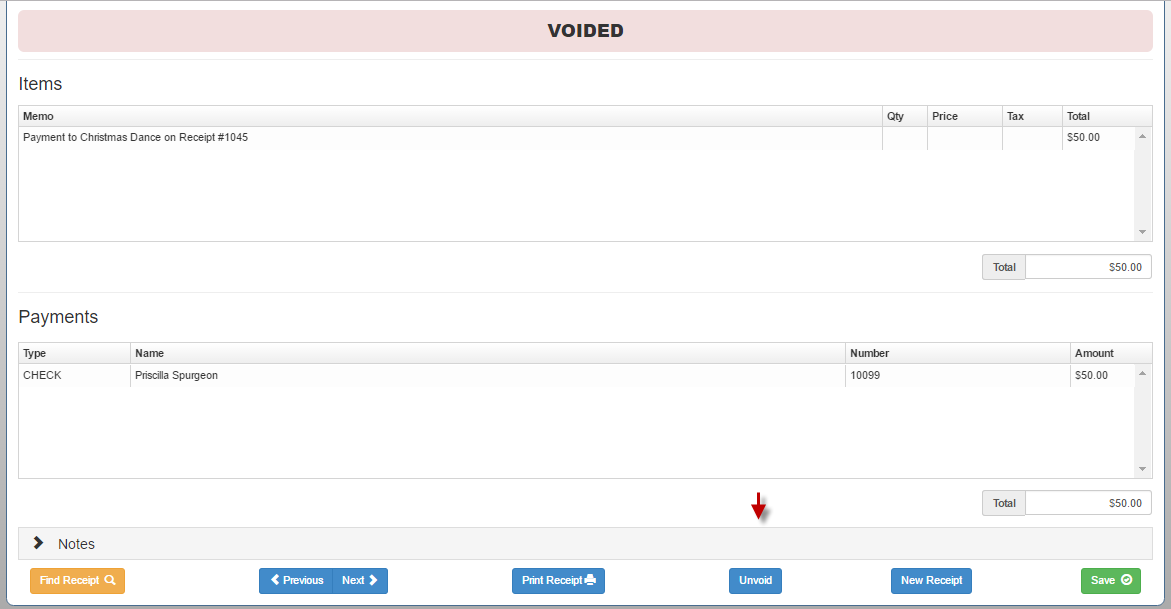
*Note: If the month hasn't been reconciled yet, you can easily restore the receipt by using the Unvoid button on the voided receipt.
From the Receipts tab Select “Write New Receipt”
- Select "Find Receipt" at the bottom of the screen
- Enter in as many search fields as possible to narrow the search.
- Click Search
- Highlight the receipt in question
- Click View Receipt
- At the bottom of the screen, click Unvoid
- Click Unvoid again to confirm