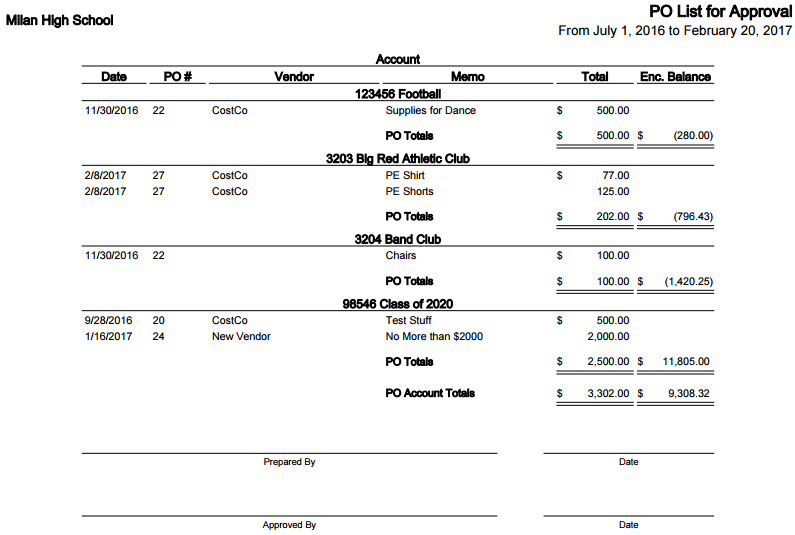
The PO List for Approval Report provides a list of Purchase Orders that are pending approval. This report helps you quickly identify which purchase requests still need review and approval before they can move forward in the purchasing process.
To generate the report:
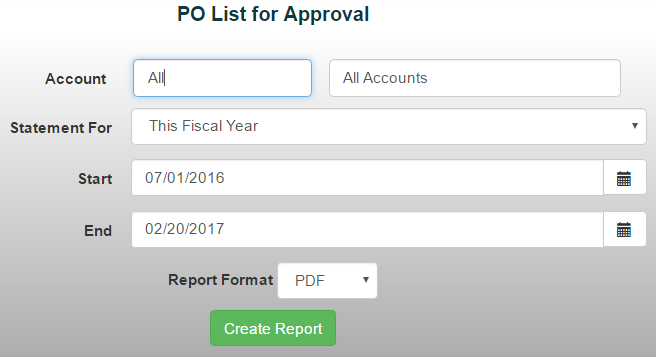
- From the Reports tab, select Account/Transaction Reports->PO List for Approval Report
- Choose a specific GL account or All Accounts
- Choose a date range from the drop-down menu or manually enter the desired dates
- Select your preferred report format.
- Click Create Report to generate the report.