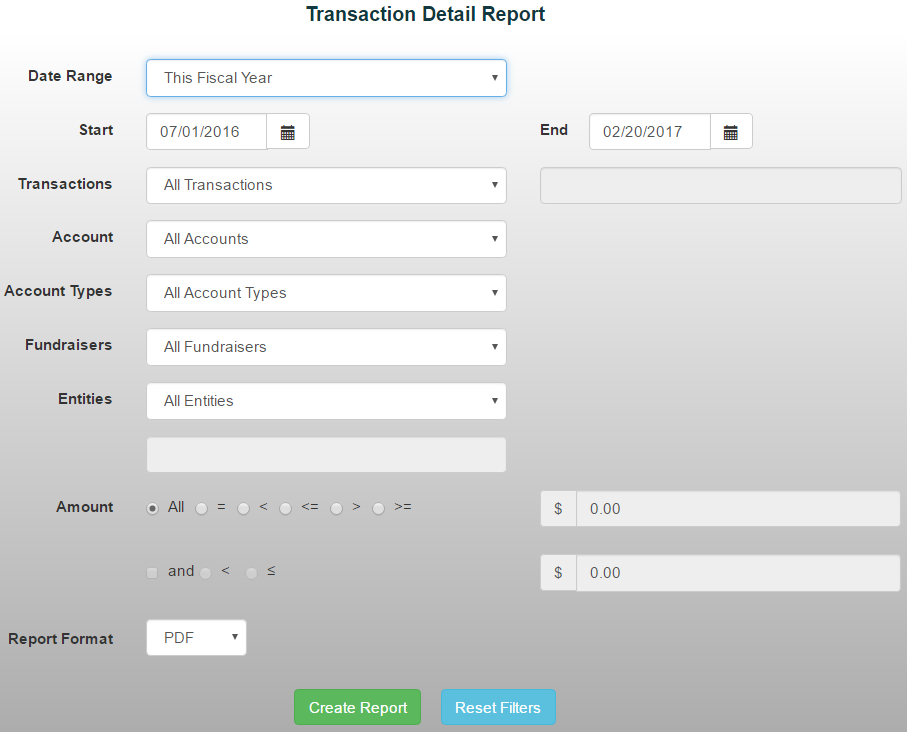
The Transaction Detail Report provides a detailed breakdown of all transactions within a selected date range.
To generate the report:
- From the Reports tab, select Account/Transaction Reports->Transaction Detail Report
- Choose a date range from the drop-down menu, or manually enter the start and end dates
- Use the available filters and drop-down menus to limit the report results