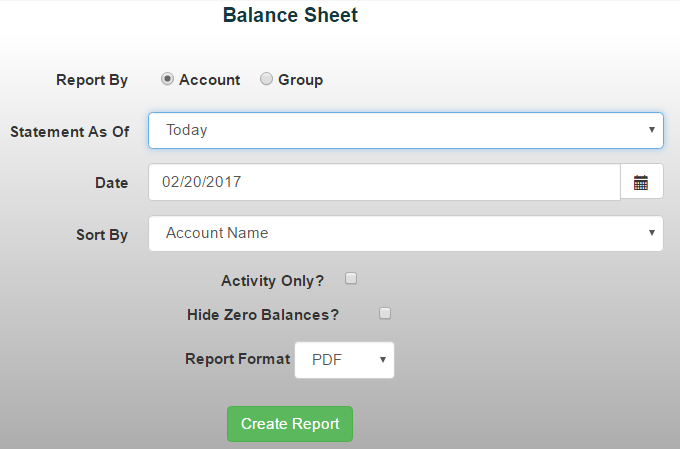
The Balance Sheet Report provides a snapshot of your organization's financial position by showing assets, liabilities, and fund balance for a selected date or period.
To generate a Balance Sheet Report:
- From the Reports tab, select Financial Reports > Balance Sheet
- Choose a date range from the drop-down menu, or manually enter the desired dates
- Select whether you would like to report by individual accounts or account groups
Use the available checkboxes to:
- Show only accounts with activity during the selected period
- Hide accounts with a zero balance
Select your preferred report format, then click Create Report to generate the report