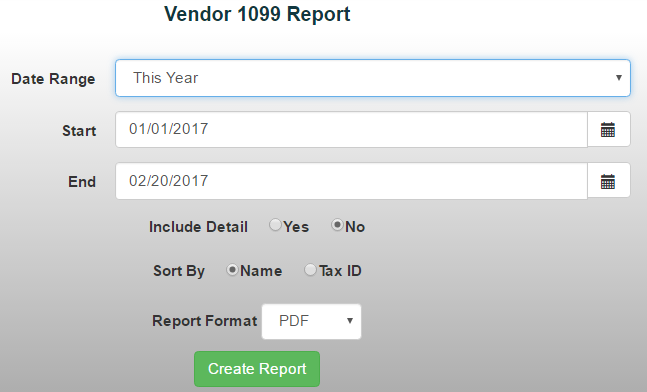
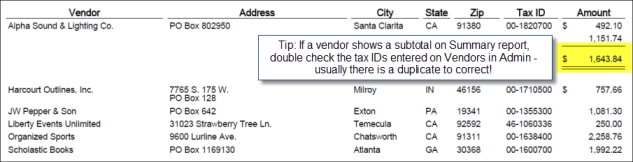
The Vendor 1099 Report makes it easy to track vendors who require a 1099 form. The report provides a breakdown of each 1099 vendor and the total amount paid to them during a selected period. *Note: When adding a vendor to the system, be sure to check the "1099 Vendor?" box if the vendor should receive a 1099 form.
To generate a Vendor 1099 Report:
- From the Reports menu, select Financial Reports ->Vendor 1099 Report
- Choose a date range from the drop-down menu or manually enter the desired dates
- Select whether you'd like to include detail in the report.
*Note: Choose Include Detail to view individual check numbers and memo information for each payment.
Choose how you'd like to sort the report:
- Vendor Name
- Tax ID
Select your preferred report format, then click Create Report.