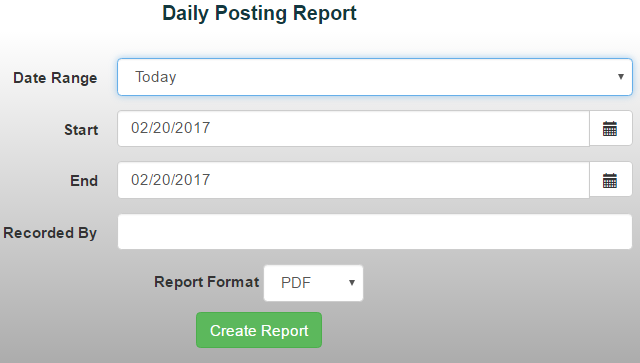
The Daily Posting Report provides a detailed view of all receipts posted during a selected date range. It’s a helpful way to review daily activity and track receipts entered into the system.
To generate a Daily Posting Report:
- From the Reports menu, select Item/Sales Reports ->Daily Posting Report
- Choose a date range from the drop-down menu or manually enter the desired dates
- To run the report for a specific user, enter their last name in the Recorded By field *Note: Leave this field blank to include all users.
- Select your preferred report format, then click Create Report