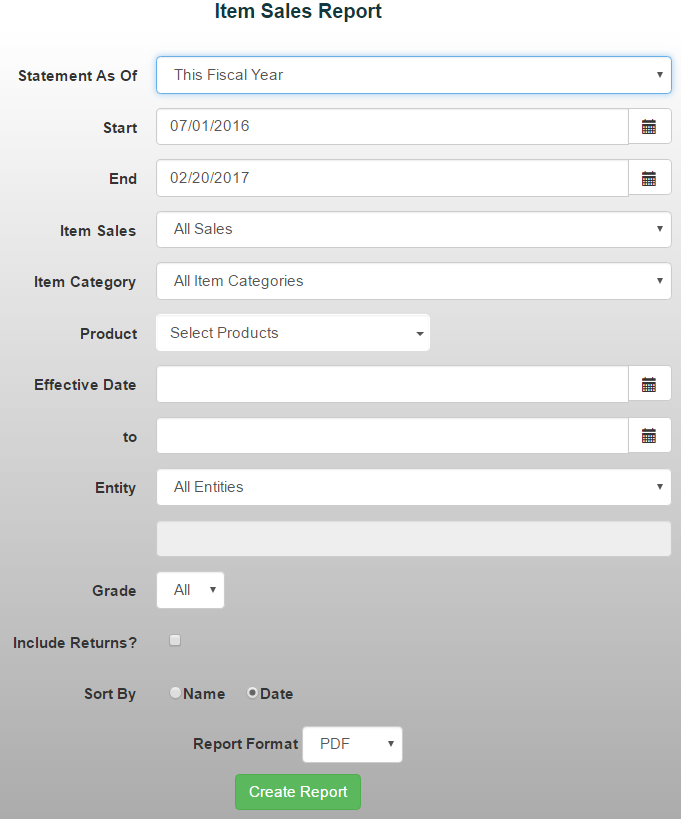
The Item Sales Report provides a detailed record of all items sold during a selected date range. It allows you to review sales activity, filter results by products, entities, grades, and other criteria.
To generate an Item Sales Report:
- From the Reports menu, select Item/Sales Reports ->Item Sales
- Choose a date range from the drop-down menu or manually enter the desired dates
- Use the available filters to customize the report by:
- Item Sales
- Item Category
- Products
- Effective Date
- Entity
- Grade
*Note: If you'd like to include returned items, check the "Include Returns" option. Returns are not included by default.
4. Choose how you'd like to sort the report:
- Date
- Name
5. Select your preferred report format, then click Create Report