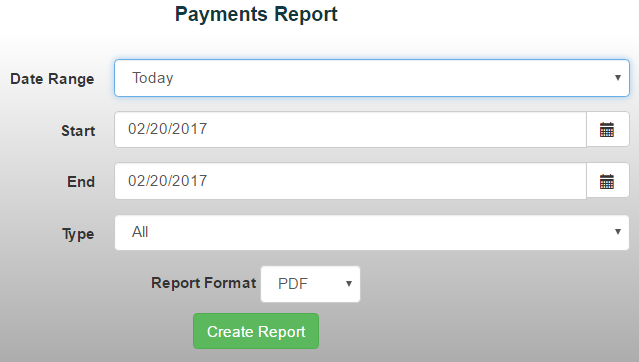
The Payments Report provides a detailed breakdown of receipts by payment method, amount, account number and name for a selected date range.
To generate a Payments Report:
- From the Reports menu, select Item/Sales Reports ->Payments Report
- Choose a date range from the drop-down menu or manually enter the desired dates
- Select Payment Type
*Note: An unfiltered report will display the GL accounts that receipts were posted to. Filtered reports do not display GL account information. To view both filtered data and GL accounts, export the report to Excel and apply filters there.
4. Select your preferred report format
5. Click Create Report to generate the report