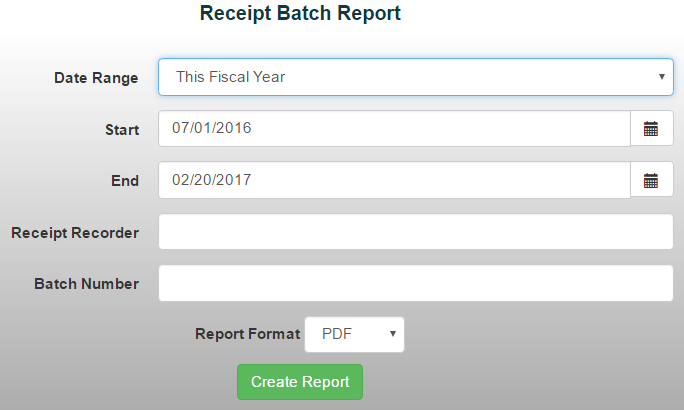
The Receipt Batch Report provides a summary of receipt payment activity for all receipts posted within your selected date range. Payments are grouped by type, including cash, checks, credit/debit cards, and change due, making it easy to review how receipt payment was processed.
To generate a Receipt Batch Report:
- From the Reports menu, select Item/Sales Reports > Receipt Batch Report
- Choose a date range from the drop-down menu or manually enter the desired dates
- To run the report for a specific user, enter their last name in the Receipt Recorder field. *Note: Leave this field blank to include all users.
- To run the report for a specific deposit batch, enter the Batch Number in the corresponding field
- Select your preferred report format
- Click Create Report to generate the report