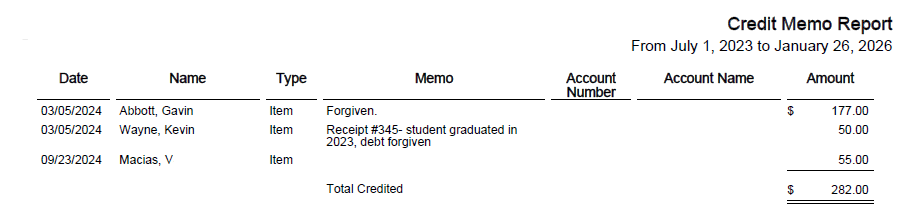
The Credit Memo Report displays credit memos that have been issued to students. A credit memo is typically used to reduce or remove a previously assigned debt or charge to a student.
To generate a Credit Memo Report:
- From the Reports menu, select Receivables/Records Reports > Credit Memo Report
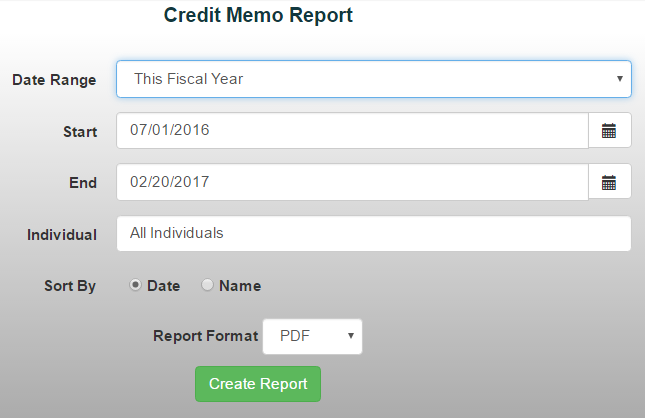
- Choose a date range from the drop-down menu or manually enter the desired dates
- Enter a student's name by typing their last name, or leave the field blank to include all students
- Choose how you'd like to sort the report:
- Date
- Name
5. Select your preferred report format and generate the report.