
Fine File Example:

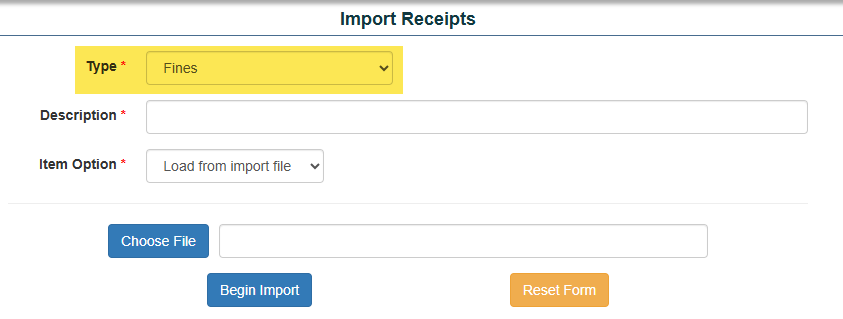
Start Import: Tools>Import Tools>Import Receipts.
- Choose Fines
- Enter Description of file to be imported (this will show on screen to print after import is complete).
- Choose File to import.
*optional: Assign Item/Ledger Account/Fundraiser from screen. - Press Import Button
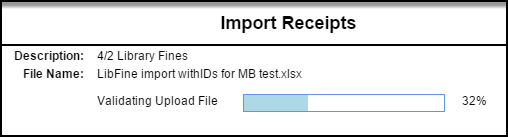
System will validate import then complete process:
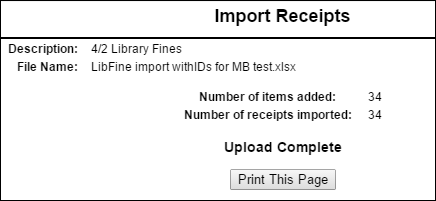
Once upload is complete, page may be printed for record keeping:
Fines will appear in Fine Report (Reports ->Receivables/Records Reports ->Fines Report)
