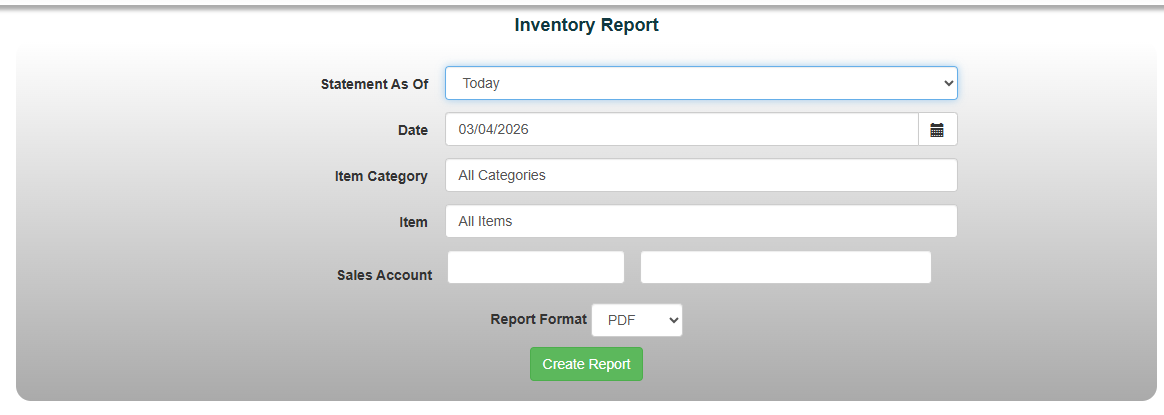
The Inventory report shows your current Quantity on Hand for each Item/Option as well as the average cost and value of your Inventory
1. Select Reports->Item/Sales Reports->Inventory Report from the report menu
2. Select “Statement As of" date
3. Filter for the Item Category/Items in question
*Optional: Sales Account
4. Choose a report format and select "Create Report"